

App Store screenshot workflow

App Store screenshots on Mac, in minutes

Compose, position, and export iPhone mockups without leaving your Mac. Built for designers and indie teams shipping fast.

3-day free trial, then $1.99/month or $9.99 lifetime.
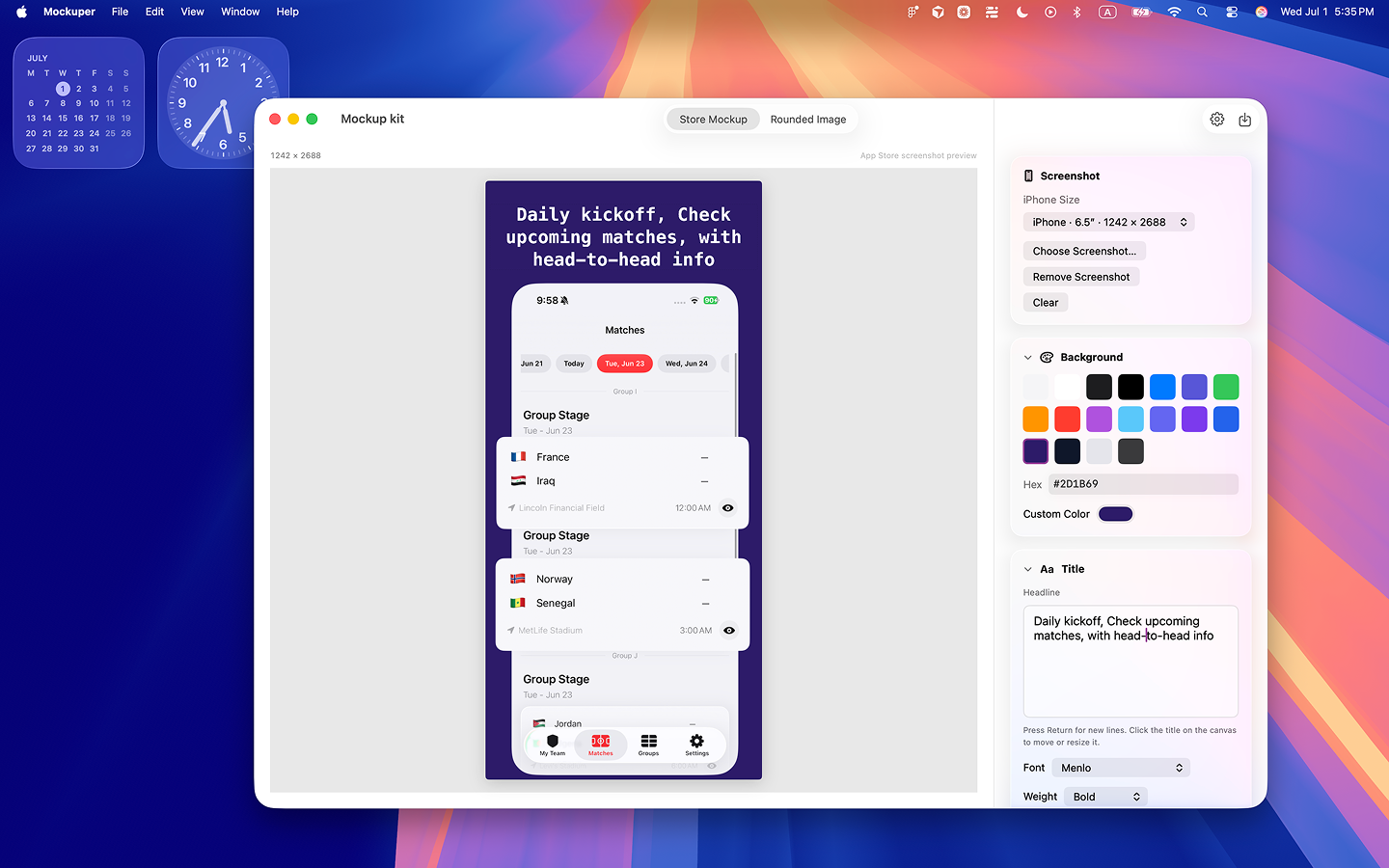
Mockup Kit canvas showing an App Store screenshot layout

See it in action

Watch how to highlight app features with overlays and stickers — from canvas import to export-ready mockup.

  1. Add your App Store screenshot to the Mockup Kit canvas
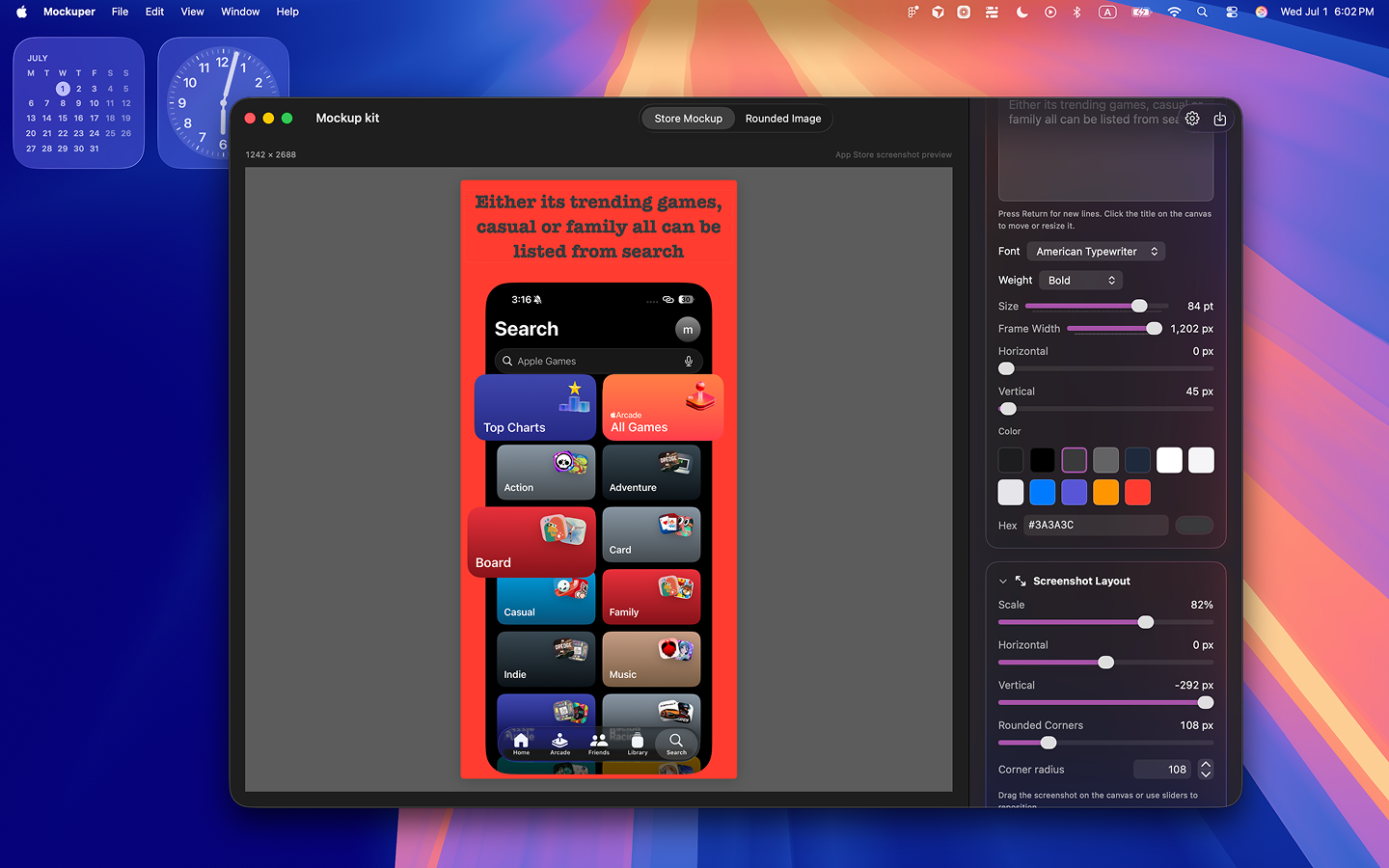
  2. Place PNG overlay images to highlight key features
  3. Add stickers to make the screenshot more engaging
  4. Export the final App Store-ready result
Watch on YouTube

Designed to be fun and still conversion-friendly

Decorative pattern outside, structured content inside: the best mix for startup promo pages.

Store Mockup

Build screenshot sets for 6.9″, 6.7″, 6.5″, 6.3″, and 6.1″ iPhone dimensions in one workspace.

Overlay Layers

Add badges and artwork with drag-and-drop positioning and a live preview loop while editing.

Rounded Image

Set corner radius in pixels or percentages so every exported image matches your visual system.

Fast Export

Export JPEG and PNG at App Store Connect-aligned dimensions without extra manual resizing.

Mockup Kit first screenshot on light cartoon variation
Mockup Kit second screenshot on light cartoon variation

Loved by teams shipping fast

Social proof stays concise and legible with bold but controlled visual treatment.

"It's become an integral part of how I work. I ship App Store assets in minutes."

- Alex Rivera, Indie Developer

"Clean, fast, and exactly what I needed for screenshot mockups on the Mac."

- Jordan Lee, Product Designer

"The overlay tools alone are worth it. My workflow feels 10x faster."

- Sam Okonkwo, UI/UX Designer

From the blog

Practical App Store screenshot guides for Mac — sizes, backgrounds, and indie workflows.

How to Make App Store Screenshots on Mac

Step-by-step workflow for App Store Connect sizes, backgrounds, headlines, and export — without Figma.

Read the guide

Frequently asked questions

Quick answers before you download Mockup Kit from the Mac App Store.

Do I need Figma or Photoshop?

Not for straightforward marketing sets. If you already have clean iPhone captures, Mockup Kit covers background, headline, overlays, and on-spec export without a full design file.

Which iPhone sizes should I export?

Export the sizes App Store Connect requires for your listing. Mockup Kit supports 6.9″, 6.7″, 6.5″, 6.3″, and 6.1″ iPhone dimensions.

Can I try Mockup Kit before paying?

Yes. Mockup Kit includes a 3-day free trial, then $1.99/month or $9.99 lifetime.
Simple pricing

Free trial (3 days), then $1.99/month or $9.99 lifetime. Built for launch teams who care about both speed and style.

Apple Silicon Intel Compatible Graphics & Design